USB Flash Drive Benchmark
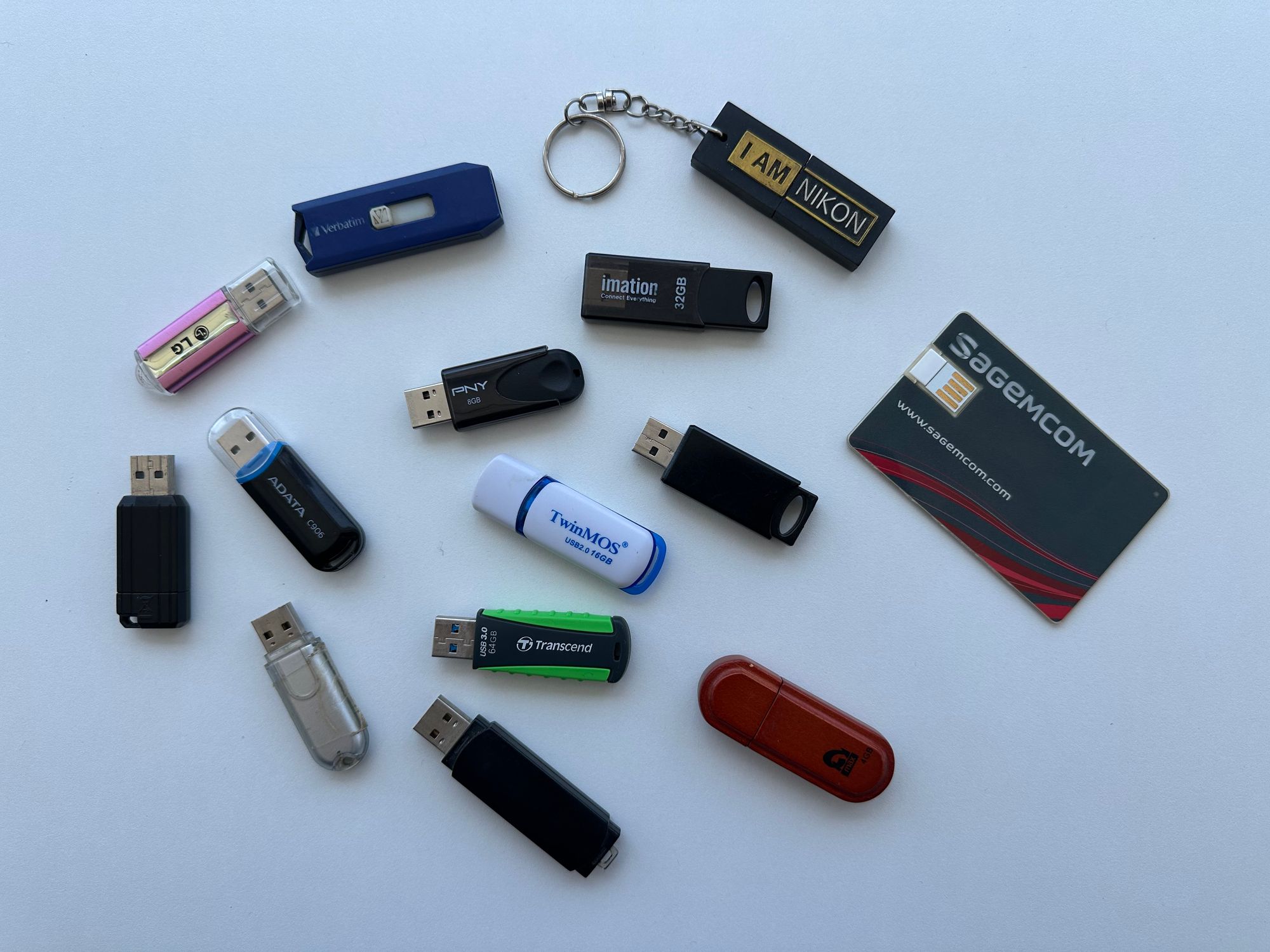
Overall Ranking
Pending test execution and results collection.
Testing Methodology
Identification
This phase ensures the USB device is correctly identified and its reported characteristics are consistent with expectations.
- Vendor and model detection (Vendor ID / Product ID)
- Reported device name and firmware version
- Interface type (USB 2.0 / 3.x)
- Reported capacity from the device descriptor
$ lsusb -v

Bus 001 Device 009: ID 18a5:0304 Verbatim, Ltd Store 'n' Go
Couldn't open device, some information will be missing
Negotiated speed: High Speed (480Mbps)
Device Descriptor:
  bLength                18
  bDescriptorType         1
  bcdUSB               2.00
  bDeviceClass            0 [unknown]
  bDeviceSubClass         0 [unknown]
  bDeviceProtocol         0
  bMaxPacketSize0        64
  idVendor           0x18a5 Verbatim, Ltd
  idProduct          0x0304 Store 'n' Go
  bcdDevice            1.00
  iManufacturer           1 Verbatim
  iProduct                2 STORE N GO
  iSerial                 3 079C1C09C9A945D5
  ...
$ lsblk -o NAME,SIZE,LOG-SEC,PHY-SEC,VENDOR,MODEL
NAME SIZE LOG-SEC PHY-SEC VENDOR MODEL
sda 3.7G 512 512 Verbatim STORE N GOCapacity Validation
Capacity and integrity testing verifies that the USB drive’s real usable storage matches its advertised capacity and detects counterfeit or looped storage. It is done through full read/write verification, including hashing, to identify bad sectors, data corruption, or write failures, and to ensure consistent and reliable storage under repeated use.
Note: all flash drives are formatted (exFAT) before this test.
$ f3write /run/media/amine/FE5E-FEF4/

F3 write 9.0
Copyright (C) 2010 Digirati Internet LTDA.
This is free software; see the source for copying conditions.

Free space: 3.73 GB
Creating file 1.h2w ... OK!
Creating file 2.h2w ... OK!
Creating file 3.h2w ... OK!
Creating file 4.h2w ... OK!
Free space: 0.00 Byte
Average writing speed: 7.73 MB/s
$ f3read /run/media/amine/FE5E-FEF4/
F3 read 9.0
Copyright (C) 2010 Digirati Internet LTDA.
This is free software; see the source for copying conditions.
SECTORS ok/corrupted/changed/overwritten
Validating file 1.h2w ... 2097152/ 0/ 0/ 0
Validating file 2.h2w ... 2097152/ 0/ 0/ 0
Validating file 3.h2w ... 2097152/ 0/ 0/ 0
Validating file 4.h2w ... 1533760/ 0/ 0/ 0
Data OK: 3.73 GB (7825216 sectors)
Data LOST: 0.00 Byte (0 sectors)
Corrupted: 0.00 Byte (0 sectors)
Slightly changed: 0.00 Byte (0 sectors)
Overwritten: 0.00 Byte (0 sectors)
Average reading speed: 19.55 MB/sSpeed Benchmark
Performance benchmarking is performed using five fio test profiles to evaluate both throughput and mixed workload behavior. Sequential write and read tests (1M block size) measure maximum sustained transfer speeds, while 4K read and write tests assess small-block I/O performance and real-world responsiveness. A mixed workload test using 64K blocks with a 70/30 read-write ratio simulates typical usage patterns and helps evaluate balanced performance under concurrent operations.
seq write   --bs=1M --rw=write
seq read    --bs=1M --rw=read
write 4k    --bs=4k --rw=write
read 4k     --bs=4k --rw=read
mixed       --bs=64k --rw=rw --rwmixread=70
The 5 fio tests included in the speed benchmark
$ fio --name=seqwrite \
    --filename=/media/usb/testfile \
    --size=2G \
    --bs=1M \
    --rw=write \
    --direct=1 \
    --output-format=json \
    --output=seqwrite.json
Example of a fio test command
Update History
- 28/05/2026: Page creation and establishing the testing methodology.